
Tag contacts and send personalized emails
Explore the enhanced SmashSend tagging capabilities! Now, easily create new tags, import contacts seamlessly using CSV files, and streamline your email campaigns by choosing specific tags for targeted communication.
Last updated January 11, 2024
Effortlessly manage contacts with new tag creation and CSV Import Features! One of the most highly request features on SmashSend's CRM.
Create a tag
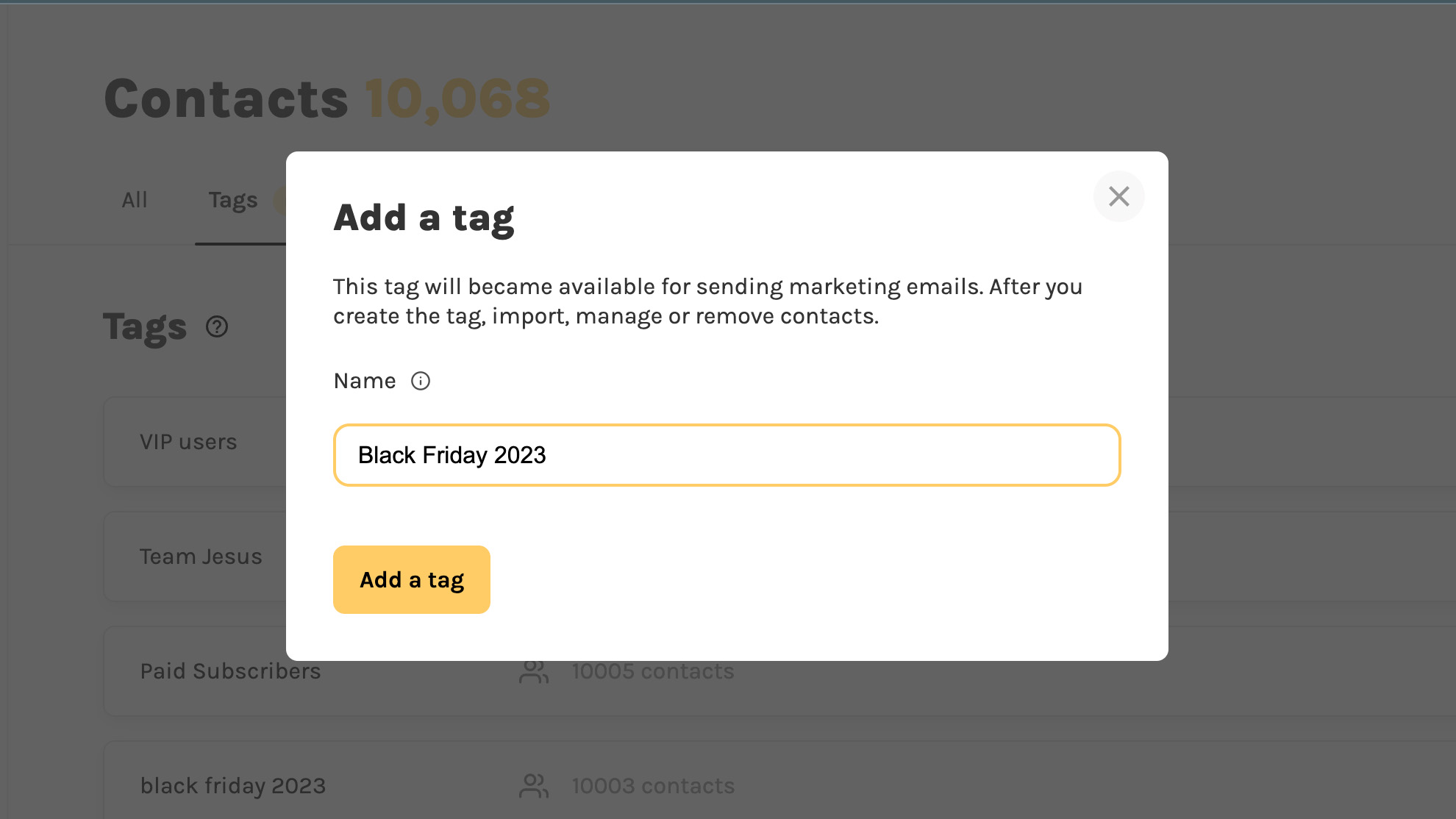
- Go to your "contacts" and click on the new tab "Tags".
- Put a unique tag name (e.g: "Black Friday Lead") and click "Create tag"
- Your tag is created and you can import new contacts!
Import contacts and assign tags
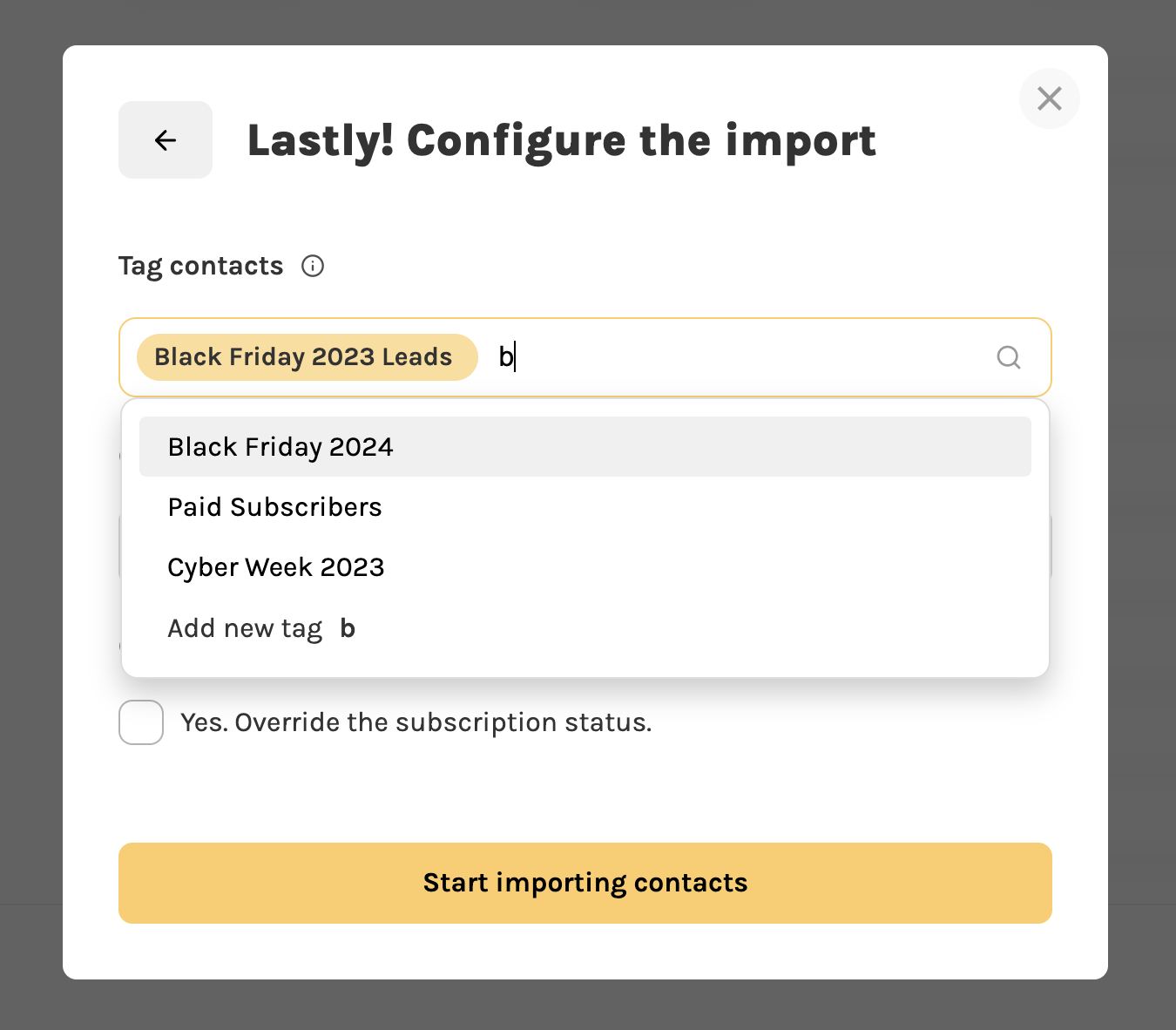
We updated the CSV importer to support tagging your contacts:
- Click on "Add contacts" -> "Import CSV"
- In the last step, you can assign in bulk the same tag to multiple contacts.
Send emails to specific contacts
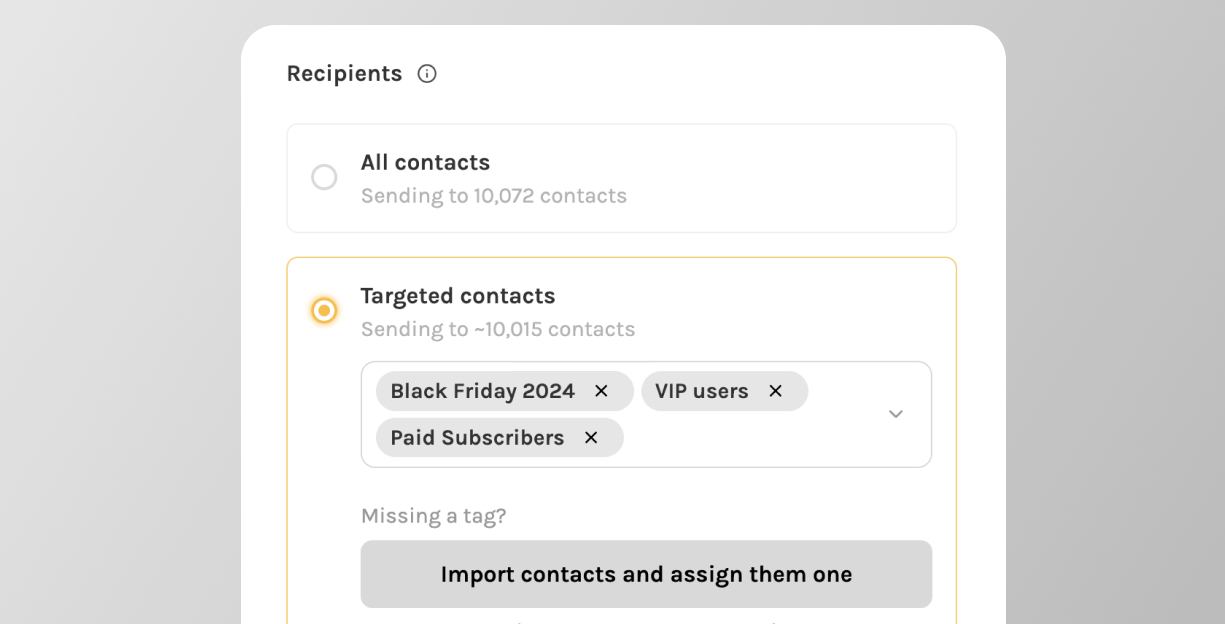
Thanks to the new tag feature you can now send email campaigns to specific users.
- Create an "email campaign"
- In the last step, choose the list of tags to send the email to.
- You will see a preview of the total number of contacts that will receive your email
Keep reading
- What is a dedicated IP address in email marketing and why to buy one?
- 🛡️ Email Marketing Compliance in 2023: 10 Rules to Navigate GDPR & CAN-SPAM
- Email marketing performance metrics: how does email tracking work?
- Webhooks - smart retries, logging, and more!
- How often should you send emails to your subscribers?